Best Practices
What to Look for in an AI Transaction Coordinator Tool (From 5,000+ Deals of Data)
What to Look for in an AI Transaction Coordinator Tool (From 5,600+ Deals of Data)
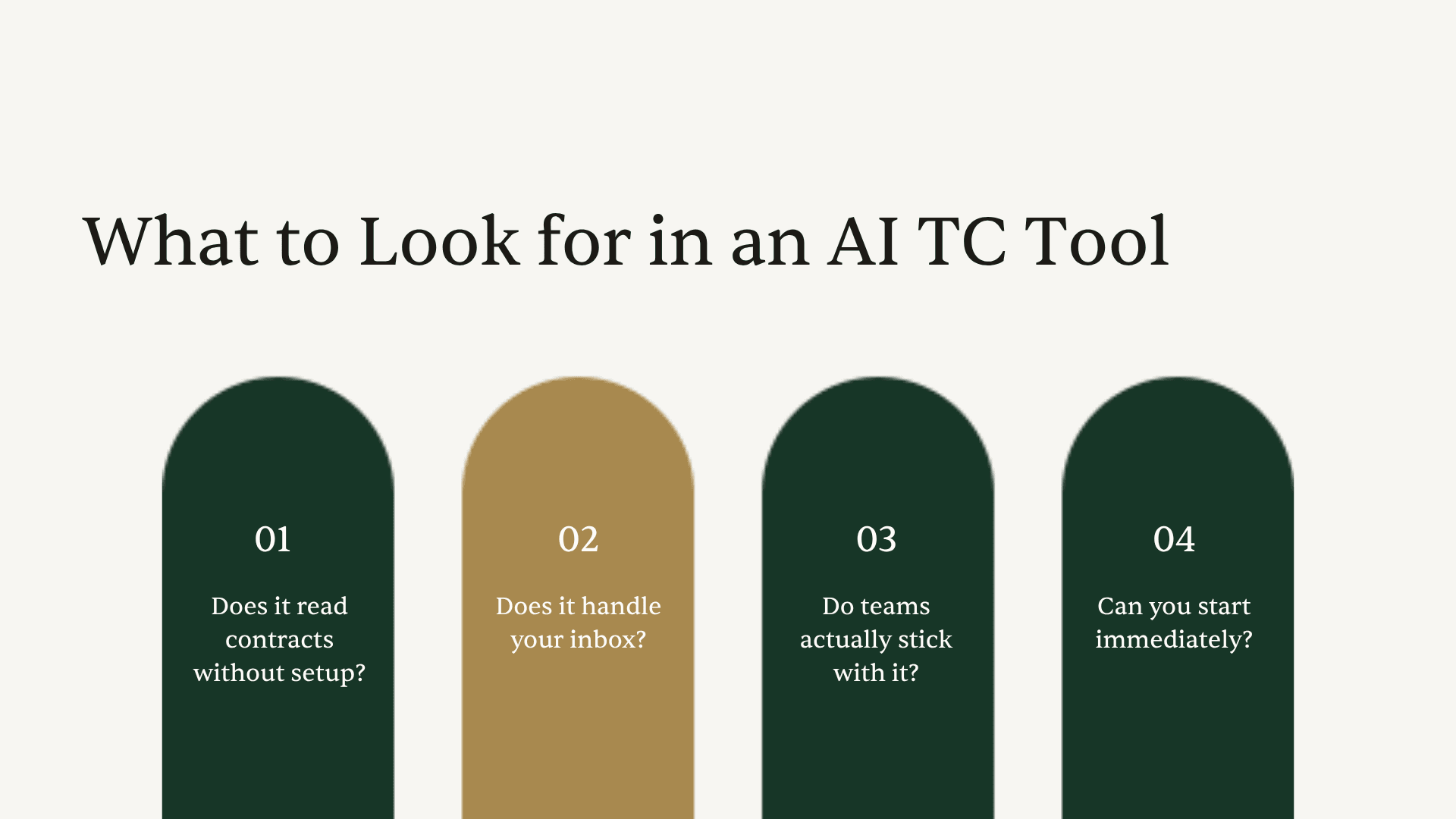
The right AI transaction coordinator tool reads your contracts, organizes your inbox by deal, and starts working on your first transaction the day you sign up, without a 9-month configuration project or a template library to build. The wrong one adds another dashboard to check and another system to maintain. The difference shows up not in the feature list but in four specific things: whether it reads what comes in, whether it works without setup, whether teams actually stick with it, and whether it gets to work on day one.
We built those four criteria from real data: more than 5,000 contracts Ava has read across real transactions in every state, and the patterns that surface when you watch what teams actually do once they find a tool that works. If you are evaluating AI transaction coordinator software right now, those four criteria are what to run every tool against.
If you want to understand the scale at which AI contract review catches errors humans miss, read what 5,600+ real estate contracts revealed about missed deadlines before you run any software evaluation.
Why most "AI" TC tools are not actually AI
Before getting into the criteria, it is worth naming the pattern you will run into: most tools marketed as "AI transaction coordinator software" are task managers with an AI badge. They organize what you give them, generate tasks from dates you enter, or let you ask a chatbot questions about your own data. Useful, maybe. But not the same as a tool that reads what comes in and acts on it.
The real distinction is simple. Some tools organize what you upload. Some tools read what arrives.
A tool that organizes what you upload will build a checklist from the dates you paste in. A tool that reads what arrives will read the purchase agreement, extract every date, party, and contingency automatically, and match the lender's email to the right deal even when there is no property address in the subject line.
One of those is workflow software. The other is an AI assistant. The four criteria below help you tell the difference, fast.
Criterion 1: Does it read contracts without setup?
This is the fastest filter. Ask any vendor: "Can I upload a purchase agreement today, with no templates configured, and get a full timeline back?"
Most cannot. Open to Close, which is purpose-built for high-volume TCs, requires months of configuration before it reads a contract accurately. Paula Bray, a TC who went through the OTC onboarding in 2025, described spending 9 months building out their template library before it was reliable for their state. Aframe generates tasks from key dates you enter manually. Even tools with AI features often require you to tell the system what to look for before it can find it.
The fastest way to test this criterion yourself: sign up for any tool and try to upload a real purchase agreement on day one, without configuring anything first. For Ava, that works immediately — any purchase agreement (CAR, TREC, custom brokerage templates, regional MLS forms) with no pre-configuration. Upload the contract, Ava extracts every date, party, and contingency. The timeline is built. You did not enter a single field manually. If a competing tool cannot do this on the same day you sign up, it is not reading your contracts yet.
What to ask: "If I upload a Texas purchase agreement right now with your contract type, is there any configuration required before I get an accurate timeline?" If the answer involves templates, state-specific setup, or an onboarding period, you are looking at workflow software, not AI.
Criterion 2: Does it handle your inbox, not just your documents?
Contracts are the foundation of a real estate transaction. But the transaction lives in your email. The lender's update, the title company's wire instructions, the agent's counter-offer sent at 9pm with a forwarded subject line that matches nothing in your transaction list, all of that lands in your inbox. And right now, you are probably the one who figures out which deal each email belongs to.
The question is whether the tool you are evaluating does anything about that.
Folio, which sits inside Gmail and organizes emails by transaction, is the category's closest neighbor on this dimension. It groups emails into deals and extracts a handful of headline dates from documents you upload. What it does not do: read the full contract for every date, party, and contingency, or handle emails that arrive without a clear property address in the subject.
The durable differentiator for Ava is inbox plus contract simultaneously. Every email that comes in gets matched to the right deal by context, not just by subject line. The email from the lender that says "Re: Re: FW: Question" gets filed under the right deal because Ava knows the lender's email address, the parties on each deal, and the prior thread context. Vicki, a TC using Ava, described it this way: "No more searching through emails looking for that one email that the sender did not put the property address on. I just go to the file and scan the emails and voila, there it is."
Ava has read 5,600+ contracts and auto-extracted more than 40,000 transaction fields. That volume represents not just contract reading at scale, but inbox-to-contract intelligence on every one of those deals.
What to ask: "If an email arrives with no property address in the subject line, what does your tool do with it?" If the answer is "it goes to your inbox and you sort it," you are still doing that work yourself.
Criterion 3: Do teams actually stick with it?
Every software demo looks good. The real signal is what happens after the demo, after the first transaction, after the first month. Do teams keep using it?
The real question is not whether teams like the tool after a demo. It is whether they use it for every deal that follows. Those are different things. The demo impresses. The intake model either saves enough time that it becomes the default workflow, or it does not.
The proxies that tell you which way it will go: G2 and Capterra reviews written after 12+ months of use say something different than reviews written in month one. Case studies that reference specific transaction counts ("we have run 200 deals through this") are more meaningful than ones that just express enthusiasm. Power-user volume is a signal — the Home Gurus, a 5-person TC team, has closed hundreds of deals through ListedKit, not as an experiment, but as the infrastructure their operation runs on. First impressions are easy to manufacture. Sustained use is not.
Ask vendors for evidence of real volume from real teams. If they can point to specific teams with specific deal counts, that is meaningful. If they redirect to features, that is meaningful too.
What to ask: "What percentage of teams that complete their first transaction go on to complete a second? What's the average number of transactions per active team?" These questions have real answers. If a vendor cannot give you them, that is an answer too.
Criterion 4: Can you start immediately?
Setup time is a real cost. A tool that requires a 2-week onboarding, a template-build phase, or a dedicated implementation call before it is useful is a tool that will sit unused through your next five transactions while you get around to finishing the configuration.
ListedKit is built around one principle: the first transaction is the onboarding. You do not configure anything before using the product. You upload a contract, Ava reads it, and you have a timeline. The tool teaches you what it does by doing it.
This matters especially for TC businesses and real estate teams where new TCs need to be productive fast. If a new hire can run their first deal in Ava on day one without a training session, you have removed a bottleneck that most TC operations do not even recognize as a bottleneck. Stacy Lichtenberg, who runs a multi-state TC team, put it this way: "It's not a matter of if we're going to use it, it's a matter of how we're going to optimize it." That is the posture of someone whose team was already running deals from day one.
What to ask: "Can one of my TCs upload a real contract and get a complete transaction timeline today, without any prior configuration?" If yes, that is a good sign. If no, find out what stands between now and that moment.
The five questions to ask any vendor
If you are in active evaluation mode, these five questions will cut through most demos faster than any feature comparison:
- "Can I upload a contract from my state right now with no setup and get an accurate timeline?" (filters for true contract reading vs. task management)
- "What does your tool do with an email that has no property address in the subject line?" (filters for inbox intelligence vs. document storage)
- "What percentage of teams that finish their first transaction come back for a second?" (filters for real retention vs. demo-stage enthusiasm)
- "What did the last team you onboarded need to configure before they ran their first deal?" (filters for actual setup time vs. marketed simplicity)
- "Is the first transaction free?" This one matters because you should be able to confirm the tool does what it promises on a real deal before you pay for anything.
If you want to see how ListedKit answers these five questions on a real deal, your first transaction is free at app.listedkit.com. Upload a live purchase agreement and run the evaluation yourself.
How ListedKit measures up on each criterion
It would be strange to set these criteria without applying them to ourselves. Here is where ListedKit stands on each one:
Contract reading without setup: Ava reads any purchase agreement on upload. No templates required. Any state, any form type, any deal structure. Your first transaction is free and you can run it today.
Inbox handling: Ava connects to Gmail and matches every incoming email to the right deal file by context. The email with no property address goes to the right place. The counter that arrives after hours is already in the file when you open your laptop.
Team stickiness: The Home Gurus, a 5-person TC team, has closed hundreds of deals through the platform — not as a pilot, but as the system their business runs on. Teams who try Ava for their intake come back for the next deal.
Day-one activation: The first transaction is the onboarding. Most teams run their first real deal the same day they sign up. There is nothing to configure before it.
Pricing: $14.99 per transaction intake. The first transaction is always free. No subscription, no seat licenses, no monthly minimum. See full pricing details.
One question that cuts through everything
If you want to evaluate an AI transaction coordinator tool in a single question, this is it: "What does your tool do when an email arrives with no property address?"
It is not a trick question. It is the scenario that happens on every real estate transaction, multiple times per deal. The lender uses a thread subject they inherited. The agent forwards something with four layers of "Re: FW: Re." The title company replies to the wrong email chain.
If the answer is "it goes to your inbox and you sort it manually," the tool is not reading your transactions. It is storing them. If the answer is "Ava matches it to the right deal by reading the sender, the thread context, and what she already knows about the parties on each active deal," that is inbox intelligence.
That one question will tell you more about what a tool actually does than any feature comparison slide.