Ai Automation
How to Automate Real Estate Deadlines (So You Never Miscalculate Again)
How do the TCs managing 20+ files a month keep every contingency, inspection, and closing deadline straight without miscalculating business days or letting a date slip when closing moves by a week?
It's not color-coded spreadsheets. It's not setting 47 phone reminders. It's having a system that reads your contracts, automatically calculates complex timelines (yes, including "7 business days before closing" when a federal holiday falls in between), and recalculates everything downstream the moment one date changes. That's what it looks like to truly automate real estate deadlines, and it's the difference between a TC who's constantly double-checking date math and one who trusts their system and focuses on the work that actually matters.
This guide breaks down exactly why deadline management is so painful when done manually, what goes wrong when dates slip, and how to set up an automated system that handles the hard math for you from contract to close.
Why Real Estate Deadlines Are So Hard to Track Manually
Here's the thing most people outside this industry don't realize: a single residential real estate transaction can involve roughly 198 individual tasks, each tied to its own deadline. Earnest money deposit due in 3 days. Inspection contingency expires in 10. Appraisal needs to be ordered within a week. Loan approval has a hard cutoff. Title commitment due before a specific date. And every single one of those deadlines is calculated differently depending on the contract.
Some contracts count calendar days. Others count business days. Some start counting from the binding agreement date. Others start from the effective date, which might be different. And the rules change depending on which state you're in.
Take Florida, for example. The Florida Realtors Contract for Residential Sale and Purchase uses business days for most time periods, but the FAR/BAR As-Is contract uses calendar days. Same state, different contracts, completely different deadline calculations. According to Federal Title's guide on counting days, there's also the Day 0 vs Day 1 question: does counting begin on the day the contract is signed, or the day after? That single-day difference can shift every deadline in the transaction.
Now multiply that complexity across 15, 20, or 30 active files. You're not just tracking deadlines anymore. You're doing mental gymnastics with different counting methods, different state rules, and different contract forms, all at the same time. That's not a system. That's a recipe for mistakes.
What Happens When You Miss a Contingency Deadline
Let's talk about what's actually at stake here, because it's not just an embarrassing email to the agent.
Missing a contingency deadline can mean the contingency is considered waived. According to HomeKey Title, that means the buyer could be locked into the contract even if the inspection turns up a major issue or financing falls through. The protections that were negotiated into the contract? Gone, because a date was miscalculated by one day.
Then there's the earnest money. Miss a financing contingency deadline and that deposit could become non-refundable. We're talking thousands of dollars at risk because someone confused business days with calendar days or forgot that Presidents' Day fell in the middle of a countdown period.
But honestly? The financial risk isn't even the worst part. The worst part is the downstream domino effect. When one deadline slips, it doesn't just affect that one task. The inspection delay pushes the repair negotiation. The repair negotiation pushes the appraisal timeline. The appraisal delay puts the loan approval at risk. And suddenly you're scrambling to get a closing extension signed because a single miscalculated date three weeks ago started a chain reaction.
Here's where it really hurts: agents notice. When a TC misses deadlines or sends the wrong dates to the title company, lender, and 12 other parties, that agent starts thinking about finding someone else. One miscalculation doesn't just risk one deal. It risks the relationship. And in a business built on referrals and repeat clients, that's everything.
How to Calculate Business Days in Real Estate Contracts
So let's get into the actual math that causes so many problems. Because understanding this is the first step to knowing why you need to automate real estate deadlines instead of doing it manually.
The phrase "business days" sounds simple enough. Monday through Friday, skip weekends. But in real estate contracts, it gets complicated fast.
First, there's the holiday question. Federal holidays are the obvious ones (New Year's, Memorial Day, Fourth of July, Labor Day, Thanksgiving, Christmas). But some states recognize additional holidays. And some contracts define "business days" differently than others. The Georgia Association of Realtors specifies that time deadlines are not extended when they fall on weekends, except for the closing date itself. That's a different rule than you'll find in California contracts, where the approach to business day counting follows its own set of conventions.
Then there's the starting point. When a contract says "inspection must be completed within 10 business days," does that mean 10 business days from the date both parties signed? From the date the last party signed? From the "effective date" as defined in paragraph 3? The answer changes depending on the contract, and getting it wrong by even one day can have real consequences.
Now picture this: you're managing 25 active transactions across three different states, using four different contract forms. Each one has its own counting method, its own holiday rules, its own definition of when the clock starts. You're supposed to calculate every single deadline correctly, every single time, while also handling document tracking, client emails, and everything else on your plate.
This is exactly the kind of problem that AI was built to solve. When you upload a contract to ListedKit, Ava reads the agreement in real time, identifies the relevant dates, and calculates timelines using the correct counting method for that specific contract. "7 business days before closing" becomes an actual date on your calendar, not a math problem you're solving at 9 PM with a paper calendar and a highlighter. Ava handles the holiday logic, the business-day counting, and the Day 0 vs Day 1 question automatically, because she's reading the contract language itself to determine how to count.
That's the difference between AI and simple automation. Basic automation tools let you set reminders. AI actually understands the contract and does the calculation for you.
How AI Automates Real Estate Deadline Tracking
So what does it actually look like to automate real estate deadlines with AI? Let's break it down, because "automation" gets thrown around a lot and most of what passes for deadline automation is really just a fancy reminder system.
True deadline automation starts with contract intelligence. That means the system reads your purchase agreement, extracts every date and deadline mentioned in it, identifies the parties, the property, the financial terms, and then calculates every timeline forward and backward from those dates. Not because someone typed the dates in manually. Because the AI read the contract itself.
With Ava, that process takes under 60 seconds. You upload the contract (any state, any format, even handwritten), and Ava extracts the binding agreement date, the closing date, every contingency period, and all the key milestones in between. She follows the logic across counteroffers to find the final terms, so you're not accidentally working off a superseded date from the original offer.
Here's the part that really matters for deadline management: Ava doesn't just extract dates. She calculates the complex ones. "Inspection contingency expires 10 business days after binding agreement" becomes a specific calendar date, with weekends and holidays already factored in. "Financing must be secured 21 days prior to closing" gets calculated from the actual closing date in the contract. Every deadline that would normally require you to pull out a calendar, count days, check for holidays, and double-check your math is already done.
But the real magic happens when dates change. And if you've been a TC for more than a month, you know dates change constantly.
When a closing date moves (and it will), you don't have to recalculate every downstream deadline manually. Ava recalculates the entire timeline automatically. Every "X days before closing" deadline shifts. Every dependent task updates. Every party who needs to know gets the right information. That one change that used to mean 30 minutes of recalculating and re-emailing now takes seconds.
And then there's the calendar sync. Once your timeline is built, Ava adds every deadline to your Google Calendar or Outlook Calendar in one click. Not just for you, but with invitations sent to all relevant parties. The listing agent, the buyer's agent, the lender, the title company: everyone sees the same deadlines on their own calendars. No more "I didn't know the inspection was today" conversations.
When you're managing multiple transactions, all of your timelines live in one unified dashboard. You can see at a glance which deals have deadlines coming up this week, which ones are at risk, and which ones need attention. That's the difference between tracking deadlines and actually managing them.
Setting Up Your Automated Deadline System

Ready to stop doing date math by hand? Here's what the process looks like when you automate real estate deadlines with a system like ListedKit.
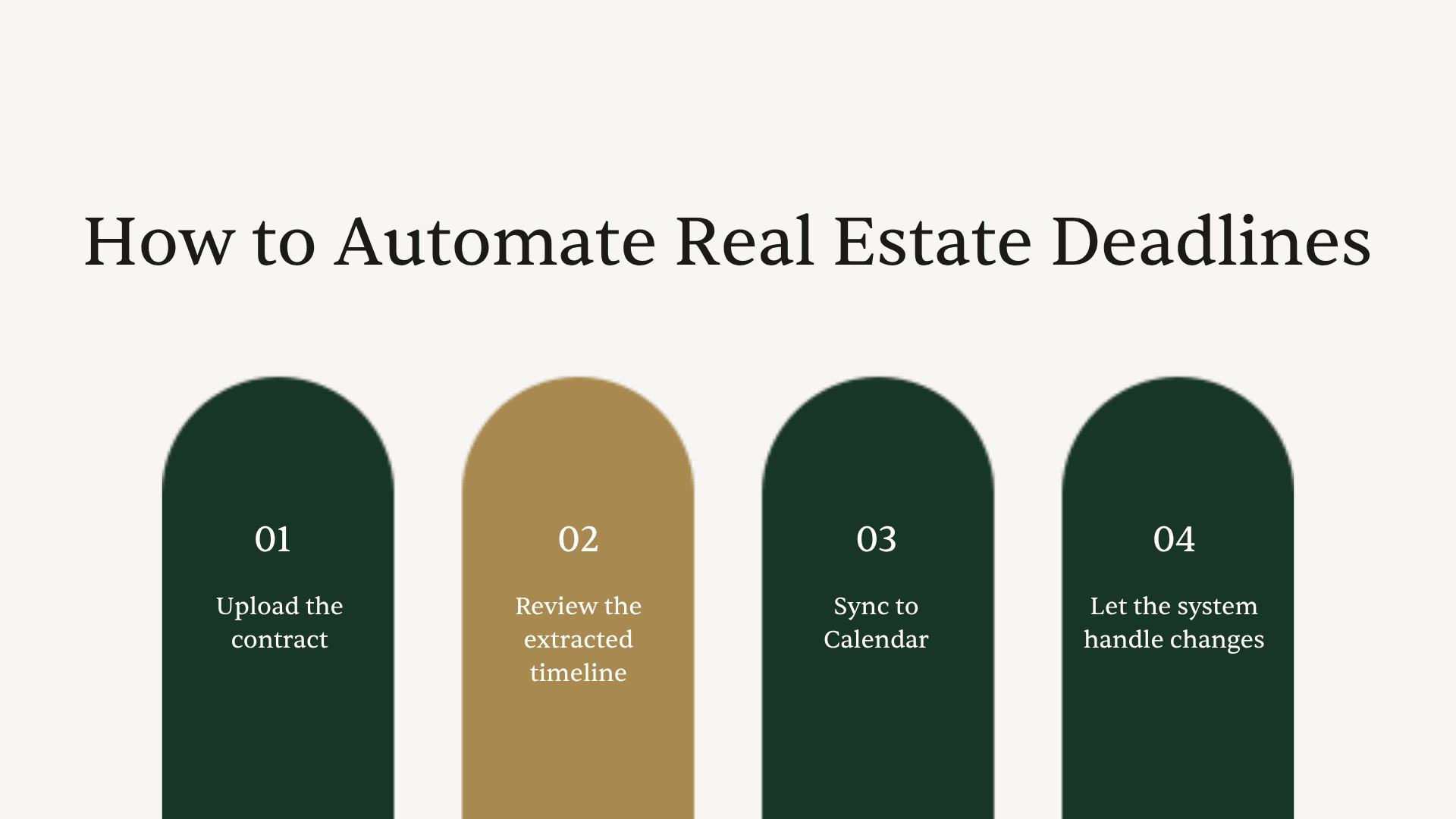
Step 1: Upload the contract. Drag and drop the purchase agreement (PDF, scan, even a photo of a handwritten contract). Ava reads the entire document, including any counteroffers or amendments, and extracts all relevant information.
Step 2: Review the extracted timeline. Ava presents every deadline she's calculated, with the specific dates already computed. Inspection contingency expiration, financing deadline, appraisal due date, closing date, and everything in between. You review it, confirm it looks right, and make any adjustments if needed. Ava remembers your process and learns from your edits, so future transactions get more accurate over time.
Step 3: Sync to calendar. One click adds the entire transaction timeline to your Google Calendar or Outlook Calendar. All parties get invited to relevant deadlines. You're not manually creating 15 calendar events per transaction anymore.
Step 4: Let the system handle changes. When the closing date moves (or any other date shifts), update it once. Every downstream deadline recalculates automatically. Ava handles the cascade so you don't have to touch each dependent date individually.
That's it. Four steps, and you've gone from manually calculating and tracking dozens of deadlines to having a system that does it for you. The time savings add up fast: if you're spending even 15 minutes per transaction on deadline calculation and tracking, and you handle 20 transactions a month, that's 5 hours you're getting back every month. Five hours you could spend on growing your TC business, taking on more files, or just not working on a Saturday.
Why This Matters More as You Scale
Here's something worth thinking about: the deadline tracking problem doesn't scale linearly. It scales exponentially. Going from 10 files to 20 doesn't just double your deadline load. It quadruples your risk of overlap, miscalculation, and missed dates, because you're juggling more concurrent timelines with more interdependencies.
This is why the TCs who successfully scale past 20, 30, or 40 files a month aren't doing it with better spreadsheets. They're doing it with systems that handle the complexity for them. When Ava remembers your process and applies it to every new deal, you're not reinventing the wheel each time. Your tenth transaction of the month gets the same precision as your first.
And if you're building a team? The consistency matters even more. When your assistant or new hire is managing files, you need to know that the deadline calculations are right regardless of who's running the transaction. Automated deadline tracking means the system is the quality control, not the individual person's attention to detail on a Tuesday afternoon when they're juggling three closings.
If you're evaluating tools for your workflow, check out this comparison of the best real estate transaction management software to see how different platforms handle deadline tracking. The key differentiator to look for is whether the tool actually reads contracts and calculates deadlines, or whether it just lets you enter dates manually and set reminders.
The Bottom Line
Automating real estate deadlines means you stop spending mental energy on date math and start trusting a system that reads your contracts, calculates business days (including holidays), and updates everything downstream when dates change. The TCs who are scaling their business aren't better at counting days on a calendar. They're using tools that eliminate the counting entirely.
Your first intake with ListedKit is completely free, so you can see what it feels like to upload a contract and have every deadline calculated for you in under 60 seconds. No spreadsheet required.