Product Updates
How to Write Ava Rules That Actually Save Time
Every AI tool will tell you it saves time. What they don't tell you is that the first few weeks, you spend a lot of that saved time editing the output.
The tone is slightly off. The CC field is wrong. The compliance note your brokerage requires isn't in there. You adjust it. Move on. Tomorrow you adjust it again.
The problem isn't Ava. The problem is that Ava has no idea how you work.
Ava Rules fixes that. Go to Settings, open the Rules tab, and write your instructions in plain English. Ava reads them and follows them on every future action she takes on your behalf.
Here's how to write rules that actually change what she does.
What Ava Rules covers
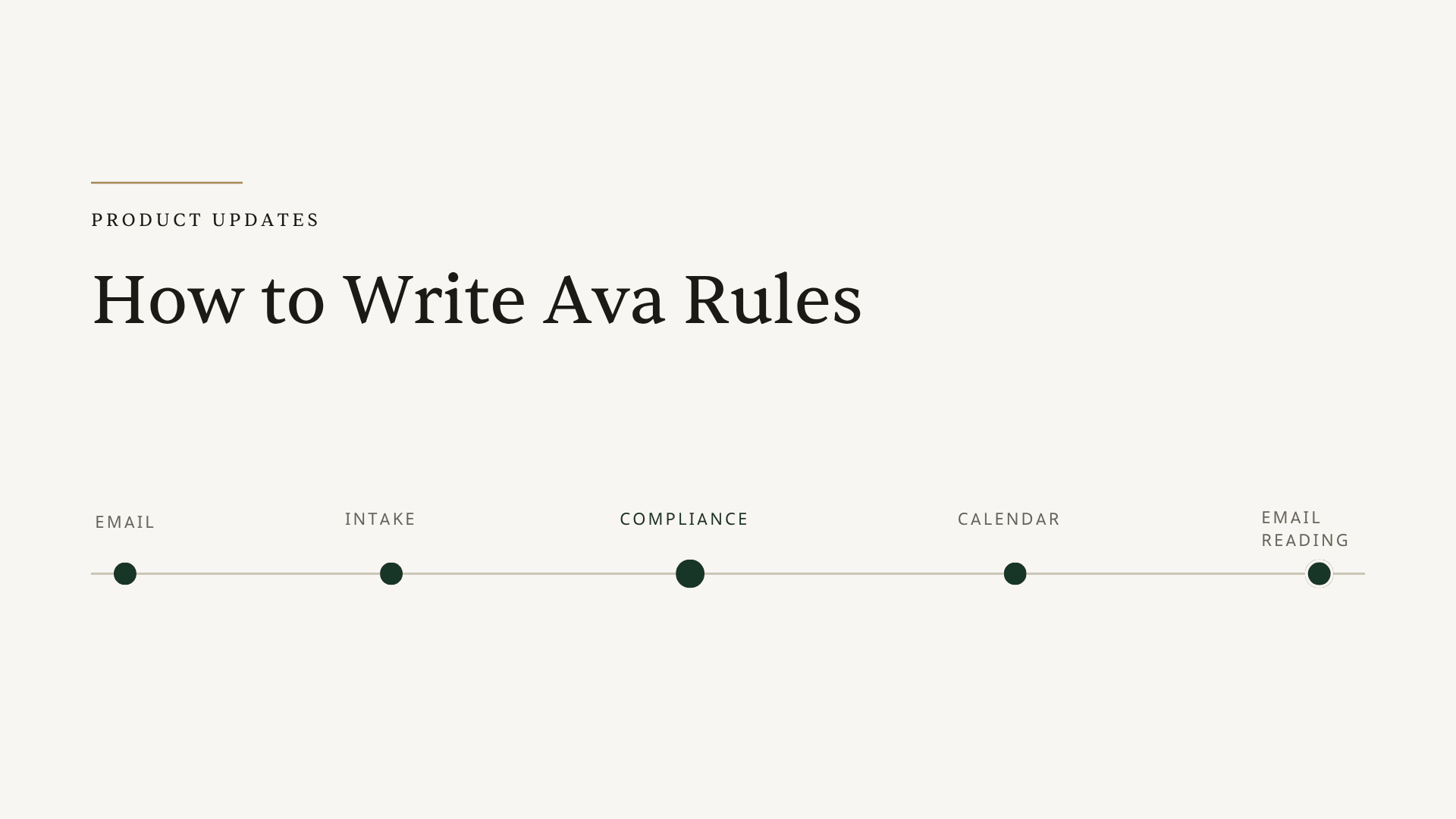
There are five categories. Each one maps to a different part of Ava's job:
| Category | What it controls |
|---|---|
| Email Rules | How Ava drafts and responds to emails: tone, formatting, CC fields, phrases to avoid |
| Intake Rules | What Ava prioritizes and pulls when reading contracts and intake forms |
| Compliance Rules | Brokerage or state-specific standards applied to every document scan |
| Calendar Rules | How Ava labels, formats, and color-codes calendar events |
| Email Reading Rules | What Ava flags as urgent, what to ignore, what to treat as time-sensitive |
You can fill in one category or all five. Changes save automatically. Rules apply to future actions only — anything already in progress is not affected.
Email Rules: the fastest place to start
Most TCs edit Ava's email drafts for the same handful of reasons: wrong tone, wrong people CC'd, a phrase they never use.
Write it once and stop editing it every time.
Vague (still works but leaves room for inconsistency):
Professional tone. No exclamation points.
Specific (actually changes Ava's output):
Professional tone, no exclamation points. Always open with the client's first name. CC transactions@[yourdomain].com on any email that goes to the lender or title company. Never use the phrase "please don't hesitate to reach out."
The more specific you are, the less you'll touch the draft. Ava is not going to push back on your instructions — she just follows them.
Useful things to put in Email Rules:
- Signature format preferences
- Who gets CC'd by default on lender, title, agent, and buyer emails (they don't have to be the same)
- Phrases your team always uses or never uses
- Whether you prefer bullet points or prose in email bodies
Intake Rules: where the most time gets recovered
If you process a high volume of transactions, Intake Rules is where you'll feel the biggest difference.
Ava already reads every contract and extracts dates, parties, and contingencies. Intake Rules tells her which ones matter for your timeline and how to handle the intake documents specific to your workflow.
Example: standard timeline priority
Pull the inspection deadline first, then the appraisal contingency, then the loan commitment date. Skip HOA documents unless the listing notes flag a homeowner association.
Example: intake form alongside the contract
I always upload an intake form PDF alongside the contract. Pull from it first for buyer/seller contact information — the contract may list the attorney instead.
Example: state-specific contingency
For Florida transactions, flag the 10-day inspection window from the effective date even if it's not listed as a named deadline in the contract.
If you work across multiple states with different timeline structures, you can write a rule that covers each one. Ava applies the right logic based on what she sees in the document.
Compliance Rules: the category most people skip (and shouldn't)
This is the lowest-effort, highest-value category for anyone working under a brokerage or in a state with non-standard requirements.
If your brokerage has specific standards — addenda handling, disclosure timing, phrases that must appear in client communications — write them here. Ava applies them on every document scan without you having to remember.
Example: addenda handling
Addenda in our brokerage do not require initials on every page. Only the signature page requires initials.
Example: state disclosure timing
In our state, the seller's property disclosure must be delivered within 3 days of contract ratification, not 7. Flag this if the contract timeline shows a longer window.
Example: compliance document checklist
Every California listing must include the Buyer's Inspection Advisory and the Disclosure Regarding Real Estate Agency Relationships at intake. Flag if either is missing.
This is the category TCs who work in strict brokerage environments get the most out of. You write it once; it covers every future deal.
Calendar Rules: the small thing that saves a surprising amount of clicks
If you use Ava's calendar integration, Calendar Rules handles the setup decisions you make on every transaction but never want to set manually.
Color-coding by representation side
Color-code buyer side transactions blue and listing side transactions green.
Labeling format
Use this format for calendar event titles: [Property Address] — [Event Type] — [Deadline Date]. For example: "123 Main St — Inspection Deadline — Jun 15."
Who gets invited
Add the listing agent to all calendar events. Add the buyer's agent only to events with external deadlines (inspection, appraisal, closing).
These take thirty seconds to write and save a few clicks on every transaction. Not a huge deal individually. Across 30 open files, it adds up.
Email Reading Rules: what Ava watches for
Email Reading Rules tells Ava how to triage your inbox when she's monitoring for deal-relevant messages.
Flag as urgent
Flag any email from a lender that uses the words "approval," "conditions," or "clear to close." Flag any email that arrives after 5pm mentioning a deadline.
Ignore
Ignore emails from Zillow and Realtor.com. Ignore automated DocuSign reminders — I handle those manually.
Treat as time-sensitive
Any email containing "counter offer" or "multiple offers" should surface immediately regardless of when it arrives.
This category works best once you've been using Ava's inbox monitoring for a few weeks and have a sense of what she's flagging that you don't care about, and what she's missing that you do.
Tips that actually help
Be specific. "Professional tone" is a starting point. "Professional tone, no exclamation points, always open with the client's first name" is what actually changes Ava's drafts.
Use Compliance Rules for anything non-standard. If your state or brokerage has anything that differs from the general norm, put it in writing. Ava applies it to every document scan from that point on.
Intake Rules save the most time at scale. Tell Ava exactly which dates matter for your timeline and which to skip. If you always upload a specific intake form alongside the contract, describe it — Ava will know to pull from it first.
Calendar Rules handle the things you always forget to set manually. Color-coding by buyer versus listing side is the example everyone mentions. Write it once.
Rules apply to future actions only. If you update a rule mid-transaction, Ava follows the new version going forward. Completed tasks in current files are not re-run.