Best Practices
How to Scale Real Estate Team Transactions Without Hiring
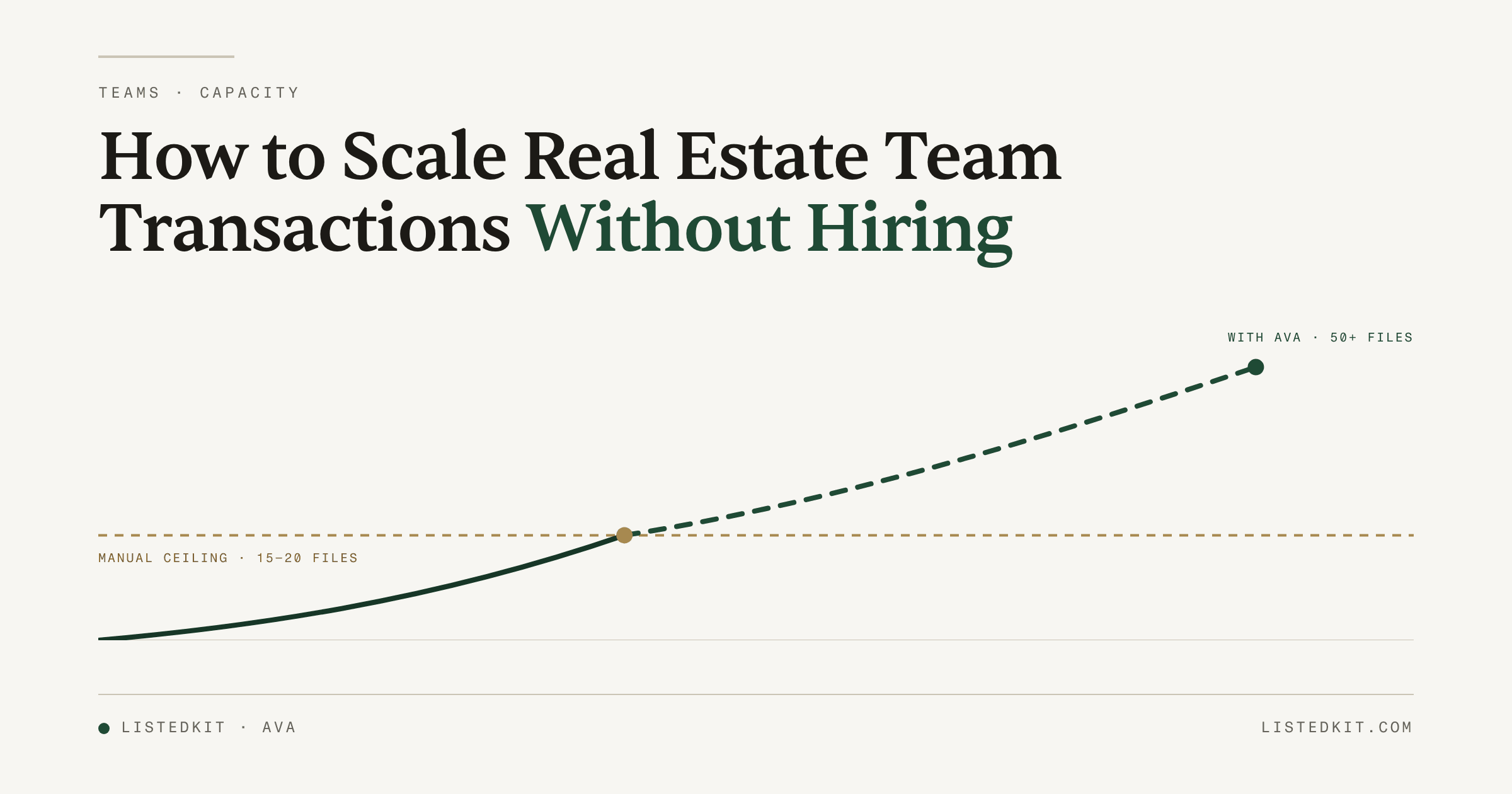
Quick answer: One TC handles 15 to 20 transactions without AI. Add Ava, that same TC handles 50+, without a new hire, without inconsistency, and without the broker being the last to know when something slips.
One of the first things a broker told us when we started talking to real estate teams was this: "I'm not tracking every transaction. Just the ones I personally have."
He has 15 agents. He's responsible for all of their deals. He just can't see most of them, and the way he usually finds out something went wrong is when it's already past the point of a clean fix.
His instinct was to hire. Add a second TC, spread the load, problem solved. But his real problem wasn't capacity. It was that every transaction his team runs is invisible to him until it isn't.
Hiring a second TC doesn't fix that.
The Wrong Diagnosis
Most team leads decide to hire when they hit 35 to 40 active transactions. The reasoning makes sense on the surface: more deals, one TC underwater, you add a person.
The problem is that "underwater" usually means something more specific than too many files, and hiring doesn't fix the specific thing.
We've talked with teams running on Trello, Google Sheets, Airtable, Monday.com, and custom spreadsheet systems they built themselves. None of those tools are the problem. The problem is what happens at the file level before any tool can help: your TC opens a new contract, spends 20 to 30 minutes reading through it, manually enters every date, calculates relative deadlines by hand ("5 business days after the effective date," counting on a calendar, skipping weekends, accounting for state-specific rules), builds the task list, sets up the calendar events, drafts the welcome email.
That's all before they've managed a single thing in the transaction.
One team lead described it directly: "We have to manually enter 20 to 30 due dates for every new pending contract." An 80-agent team we spoke with put it even more starkly: "We have 47 steps just to go under contract. We're doing things in triplicate," touching three separate systems for every file update because their compliance tool, task manager, and communication platform didn't talk to each other.
According to TC workload research, the capacity ceiling isn't set by how good your TC is. It's set by how manual their process is. At 20 active files, 20 to 30 due dates per contract, that's up to 600 data entry moments a month before any actual coordination happens. At 35 files, something slips. Not because your TC missed something, but because no process that manual holds at that volume.
When you hire a second TC, you've doubled the capacity. You've also doubled the number of people doing 30 minutes of manual intake per file. The overhead is still there. You've just paid $70,000 a year to run more of it.
What Happens When the Setup Tax Goes Away
The teams running 50 or more transactions with a single TC aren't exceptional. They've just removed the part of the job that was never supposed to be the job.
AI-powered transaction coordination eliminates intake overhead. Ava reads any state's purchase agreement in under 60 seconds, no pre-setup, no configuration, no state-specific templates to load. Upload the contract and Ava extracts every relevant detail: parties, property, financials, effective date, every deadline. When there are counteroffers, Ava doesn't just pull from the first document. It follows the logic across all of them to find what actually got agreed to, including terms buried in counter two of three that changed the inspection period.
The deadline calculation piece is where we've seen the strongest reaction from team leads we've talked with. "7 business days before closing" is something Ava calculates automatically, every time, regardless of the state or the contract format. Your TC reviews the output rather than building it. That's 25 minutes back per file. At 40 files a month, that's over 16 hours.
The checklist builds from your process, not a generic template. You set how you run transactions, and Ava applies it to every new file in the same order, with the same compliance items, regardless of which team member opens it. A new admin runs your process the same way a five-year coordinator does. The system holds the standard.
Emails work the same way. Your TC tells Ava what they need: "congrats on the accepted offer, share the timeline, keep it warm." Ava drafts a polished message using the transaction details it already has, the client's name, the closing date, the inspection deadline, pulled from context. Your TC reads it, adjusts if needed, and sends from their own Gmail or Outlook, nothing that says it came from a platform. The whole thing takes 30 seconds. Calendar sync, adding every deadline to Google Calendar or Outlook and inviting all parties, becomes a single prompt instead of the 30-minute task it was before.
For a deeper look at how this fits into the full workflow, the intake-to-closing process guide covers all five phases.
The other shift is institutional knowledge. When your checklist lives in Ava rather than in your TC's head, it doesn't leave when they do. A new person on the file sees the same process. You're not starting over every time someone transitions off the team.
What Brokers Actually Get
The capacity argument matters. But for most broker-owners, it's not the part that closes the decision.
The part that does is visibility.
You're the licensed broker. You carry the liability for every deal your agents run, including the ones you're not in. Right now, your window into those transactions is probably some version of "I ask, or I find out when something goes wrong." That's not a TC performance problem. That's a systems problem, and it doesn't get better when you add a second TC working the same way as the first.
When every transaction runs through Ava, you get a portfolio view across your team. Every active deal, every upcoming deadline, every document that's missing or overdue, without asking. Ava's compliance check runs on every document: missing signatures, dates that don't match between the contract and an addendum, required items that haven't arrived with a deadline approaching. These get flagged at intake, not at closing. That's a fundamentally different risk profile.
One broker described what this means in practice: "My TC is great, but she has a lot of people and sometimes things get sloppy." That's not a TC problem. That's what happens when one person is managing more files than any manual system can handle cleanly. The right fix isn't a second person doing the same thing. It's a system that applies your standards automatically and tells you when something's off before it becomes a problem.
That's what the solutions for real estate teams page is built around: the broker's view, not just the TC's.
The Teams Running 50+
We've had conversations with more than 20 real estate teams over the past several months, from 8-agent boutiques to 80-agent brokerages. NAR is projecting a 14% increase in home sales for 2026, which for most growing teams means the volume pressure is only accelerating. The ones that won't hit a wall are the ones building the system before volume outpaces them.
Here's what the high-volume teams actually look like.
One admin at a 10-member team was running more than 300 transactions a year, while also handling marketing and scheduling for the team on top of TC work. Everything lived in a shared Google Sheet. The bottleneck wasn't her capacity. It was the 30 minutes of manual setup that every new file required. Without a system that reads contracts and builds timelines, every intake was another half hour of her day gone before the coordination even started.
The 80-agent team running transactions in triplicate, three systems per file, had the same problem at larger scale. They weren't short-staffed. They were running an expensive, error-prone manual process at high volume, and adding TCs just meant more people doing expensive, error-prone work.
A team that doubled in two months was already feeling the strain: "The tool has to grow with us." Their prior system was built for the team they were six months ago. What they needed was something designed for the team they were becoming.
And then there's the pattern that comes up more than any other in our conversations: "I have someone on my team I'm not utilizing to their full ability. With the right system, they could be running transactions." That's almost always a VA or part-time admin who knows the operation, knows the agents, and is already doing pieces of the TC work. The gap between "person who helps with deals" and "person who runs deals" isn't headcount. It's infrastructure.
For a deeper look at how TCs handle the per-file mechanics on their end, taking on more files without burning out covers the TC-side view.
Hire vs. AI: The Actual Comparison
| Hire a Second TC | Add Ava to Existing TC | |
|---|---|---|
| Cost | $70K+/year fully loaded | Usage-based, $14.99 per intake |
| Onboarding | 6-10 weeks at reduced capacity | Days |
| Capacity added | +15-20 files/month | +20-25 from the same TC |
| Consistency | Depends on the person | Your standards, every file |
| When someone leaves | Knowledge walks out | Stays in the system |
| Per-transaction cost | ~$230 at 25 files/month | ~$40 at 25 files/month |
One broker we spoke with did the math himself: he'd been paying an outside TC around $400 per transaction. At $14.99 per intake, the comparison wasn't close. But the brokers who move fast on this aren't primarily driven by the per-transaction cost. They're driven by what they get on the oversight side, which doesn't have a number attached to it until something goes wrong.
Your first intake is free. Drop a real contract and see what Ava extracts. If it works the way it's supposed to, you'll know within 60 seconds.
Try free or talk to us about what this looks like for your team's setup.
Looking for a comparison of real estate transaction management software options? That page covers the full landscape.